How to Connect a Smartwatch to Your Phone (Android and iPhone): Setup and Fixes
By Robert · · 5 min read
You have unboxed a new smartwatch, and now you need it to talk to your phone. The good news is that pairing usually takes less than five minutes. The bad news is that one wrong step, such as pairing in the wrong place or a phone setting that closes the app, can stop notifications from arriving.
This guide covers setup for Android (Samsung, Tecno, Infinix, itel, Oppo, Redmi and others) and iPhone, and the fixes for the problems we see most often at our Nairobi shop.
Before you start
- Charge the watch fully. Some watches will not pair on a low battery.
- Turn on Bluetooth on your phone.
- On Android, turn on Location too. Android needs Location switched on to find nearby Bluetooth devices. You are not sharing your location with anyone.
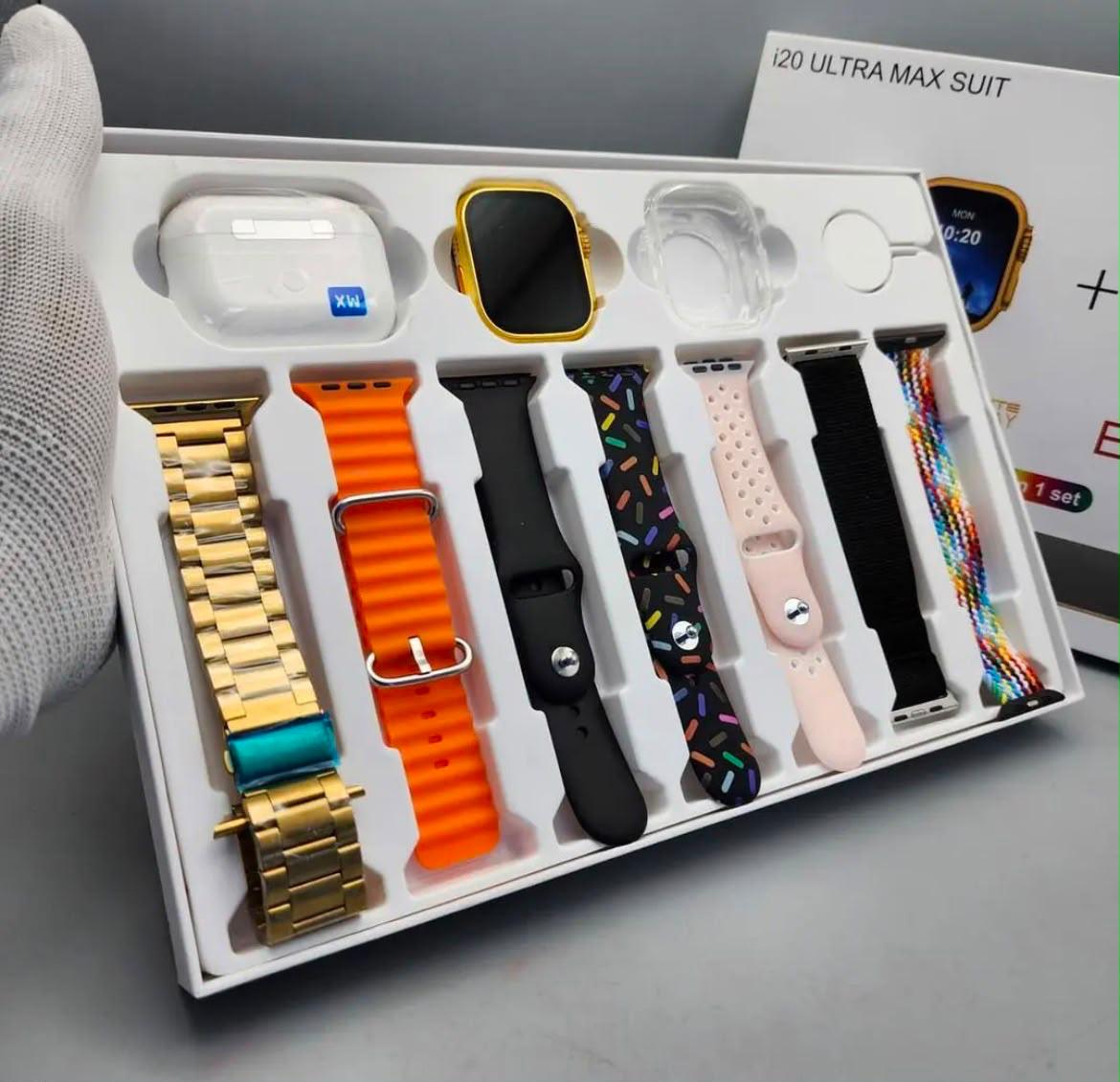
- Find the companion app. Each smartwatch works with a specific app. Its name is in the user manual, or there is a QR code in the box or on the watch's settings screen. For example, the i20 Ultra Max uses the HiWatch app. If you have lost the manual, call us and we will tell you which app your model uses.
Step-by-step: pair your smartwatch
Step 1: Install the app
Scan the QR code, or search for the app by name in the Google Play Store or Apple App Store. Install it and create an account if it asks you to.
Step 2: Pair inside the app, not in Bluetooth settings
This is the most common mistake. Do not pair the watch from your phone's Bluetooth menu first. Open the companion app, choose Add device (or Bind device), and select your watch from the list. Accept the pairing request on both the phone and the watch.
If you already paired from Bluetooth settings, go to Bluetooth settings → your watch → Forget/Unpair, then pair again from the app.
Step 3: Allow every permission the app asks for
The app will ask for access to notifications, calls, contacts, SMS and nearby devices. If you say no, those features will not work on the watch. You can change these later in Settings → Apps → [app name] → Permissions.
Step 4: Turn on the notifications you want
In the app, open the notifications or message reminders section and switch on WhatsApp, SMS, Calls and any other apps you want on your wrist.
Step 5: Set up Bluetooth calling (calling watches only)
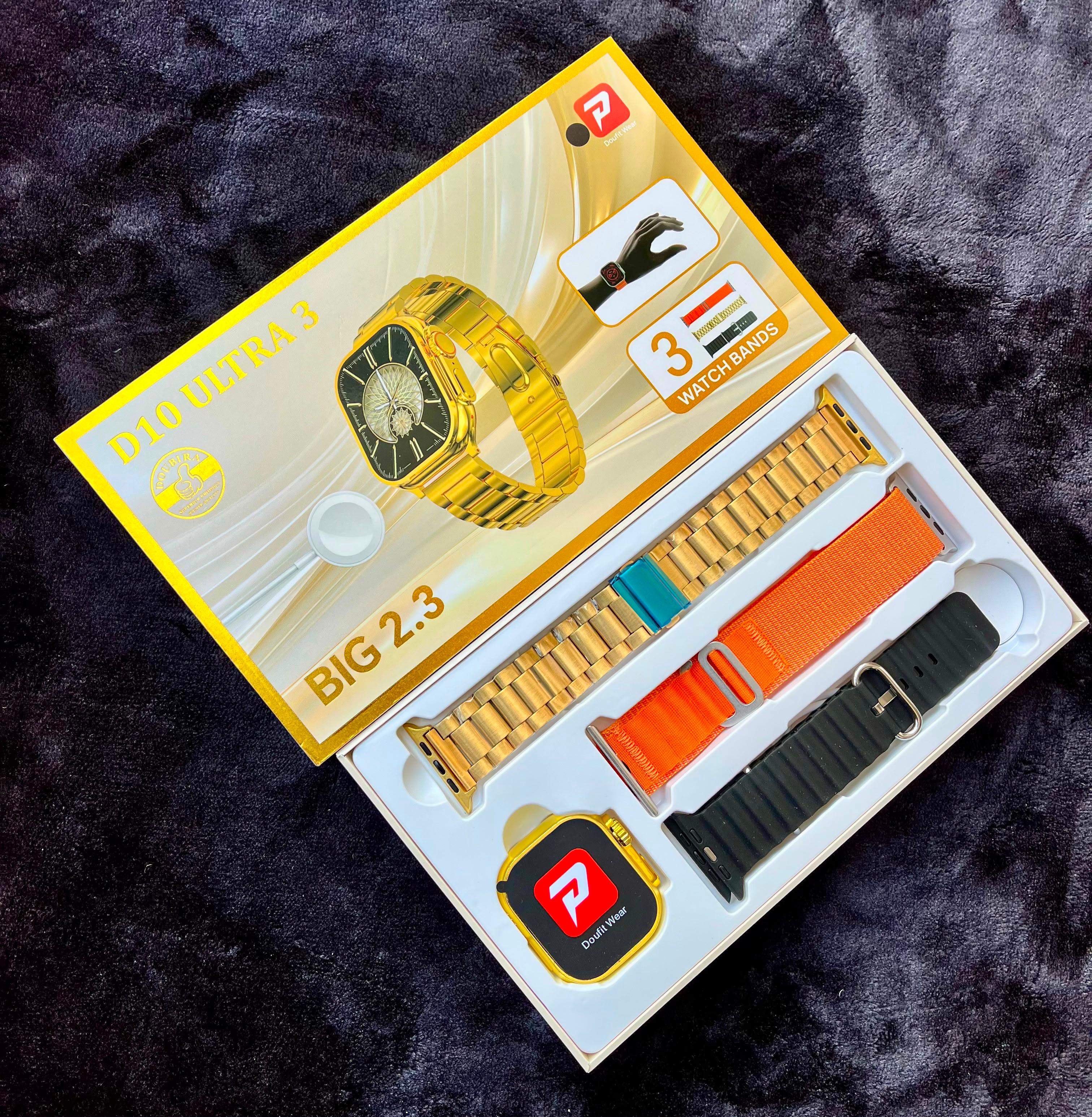
Watches with Bluetooth calling, such as the D10 Ultra 3, often need a second Bluetooth connection for audio. After pairing in the app:
- On the watch, open Settings → Bluetooth call (the name varies) and switch it on.
- On your phone, open Bluetooth settings. A second device will appear, often with "call" or "audio" in its name.
- Tap it to pair.
Now you can answer calls and talk through the watch speaker.
Extra step for Android: stop the phone closing the app
Many Android phones, especially Tecno, Infinix, itel, Oppo, Xiaomi/Redmi and Samsung models, close background apps to save battery. When that happens, your watch stops getting notifications, usually a few hours after setup.
To fix this:
- Settings → Apps → [watch app] → Battery → Unrestricted (or "No restrictions" or "Don't optimise")
- Turn on Auto-start or Allow background activity if your phone has it
- On Tecno, Infinix and itel, also check Phone Master or the battery manager, and add the watch app to the protected or whitelist apps
Extra step for iPhone
- When the app asks, allow Notifications and Bluetooth.
- After pairing, iOS may ask whether to "Allow [watch] to display your iPhone notifications." Tap Allow.
- If notifications stop, go to Settings → Bluetooth → tap the (i) beside your watch and make sure Share System Notifications is on.
Note that most budget smartwatches work with iPhone for notifications and fitness tracking, but you cannot reply to messages from the watch.
Fixes for common problems
The watch does not appear in the app
- Make sure the watch is not already connected to another phone. Unpair it there first.
- On Android, turn Location on.
- Restart both the watch and the phone, then try again.
It connects, then keeps disconnecting
- Set the app's battery use to Unrestricted (see the Android section above).
- Keep the phone within about 10 metres of the watch.
- Update the app and the watch firmware from inside the app.
WhatsApp notifications are not showing
- Check that WhatsApp is switched on in the watch app.
- Check that the app has Notification access: Settings → Notifications → Notification access (or Device & app notifications).
- WhatsApp's own notifications must be on in the phone. If your phone does not show them, the watch will not either.
- Turn off Do Not Disturb on both the phone and the watch.
The time or date is wrong
- The watch takes its time from your phone. Open the app to sync, and check that your phone is set to the correct time zone (Nairobi, GMT+3).
No sound on calls
- Pair the second "call" Bluetooth connection described in Step 5.
- Check that the watch volume is turned up.
Nothing works
- Unpair from the app, forget the watch in Bluetooth settings, uninstall and reinstall the app, then reset the watch from Settings → Reset/Restore factory. Pair again from Step 1.
Still stuck? Bring it to us
If your watch still will not connect, bring it, along with your phone, to our shop at Scopio Business Center, 3rd Floor, Nairobi, and we can help you set it up. You can also call or WhatsApp +254 712 682 426. We also handle watch repairs and battery problems.
Shopping for a smartwatch? Browse our smart watches collection, compare prices in our smartwatch price guide, or read whether a smart ring suits you better.
Frequently asked questions
Why won't my smartwatch connect to my phone? The most common causes are pairing from Bluetooth settings instead of the app, Location being off on Android, or the watch still being linked to another phone.
Why does my smartwatch stop getting notifications after a few hours? Your phone is closing the watch app to save battery. Set the app's battery use to Unrestricted and allow it to run in the background.
Can I connect one smartwatch to two phones? No. Most smartwatches connect to one phone at a time. Unpair from the first phone before pairing with the second.